This is an old revision of the document!
Into the Void
 This is a quick note to mention that I've just added Void Linux to the Tier 2 support layer for Giocoso. That means I've spun the distro up in a virtual machine, installed Giocoso on it and got it to scan for music and then play some, in both Pro and non-Pro modes:
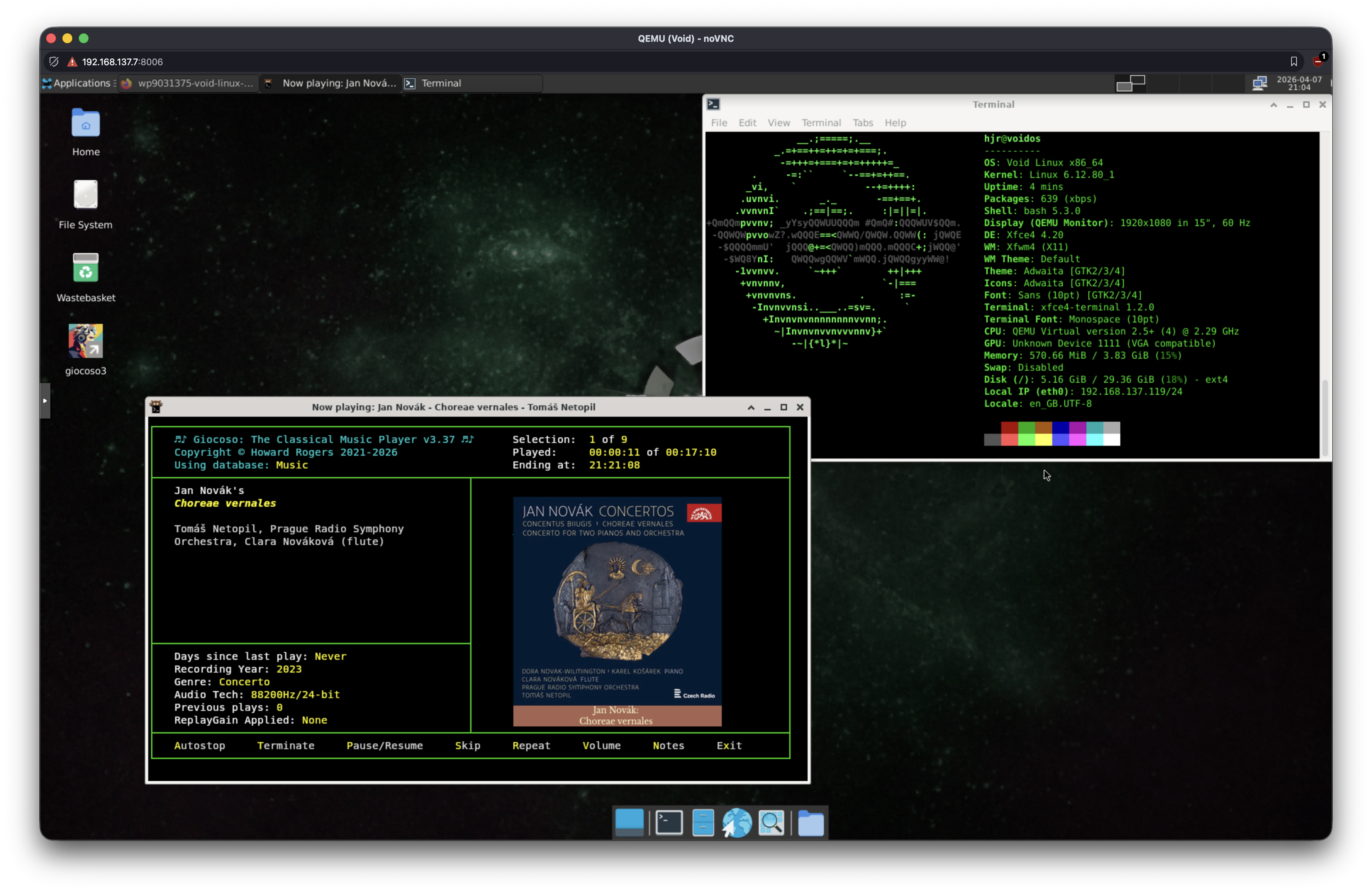
I don't know much about Void: it's a bespoke, rolling distro (meaning, it's unique and not based on Debian, Ubuntu, Fedora etc. etc. and is continually updated (though conservatively) rather than having six-monthly 'Big Bang' version increments). It has its own package management system (which resembles the one from Arch, but has its own unique command structure). And it happens to be able to run Giocoso flawlessly. It's also nicely minimal and if I was still doing Linux on a daily basis, I'd probably seriously look at it as my potential main distro. To me, it feels quite 'unix-y' or (more specifically) very 'BSD-y': and that's a good thing! One particular claim to fame, though it's perhaps likely to spark partisan controversy: it doesn't use systemd (it uses runit instead).
It is currently only 32nd on the list of distros at Distrowatch though, which would normally mean I wouldn't bother with it. But Dave Eddy uses it, and he's an absolute genius at Bash (in which Giocoso is written!) so, I wanted him to be able to use it without too much effort!
A couple of usage notes: you'll want to download the Giocoso installer script, but that requires the wget package, which isn't installed by default. I found I first needed to update the Void package installer itself:
sudo xbps-install -u xbps
After that, I was able to install the wget utility with the command:
sudo xbps-install -S wget
Once that's installed, you could try to run the Giocoso installer, but it will probably complain that your system needs to be updated, so make sure you do an initial:
sudo xbps-install -Su
…before trying to launch it. With those preliminaries out of the way, however, you simply do:
wget software.bbritten.com/gioinst
bash gioinst
…and you're away. Post-installation, you'll need to adjust things in the Administration menu, Option 2: I'd recommend altering the program logo size to 110 and its position to -4. After that, launch the Kitty terminal and type the command giocoso in that to get the full graphical effect:
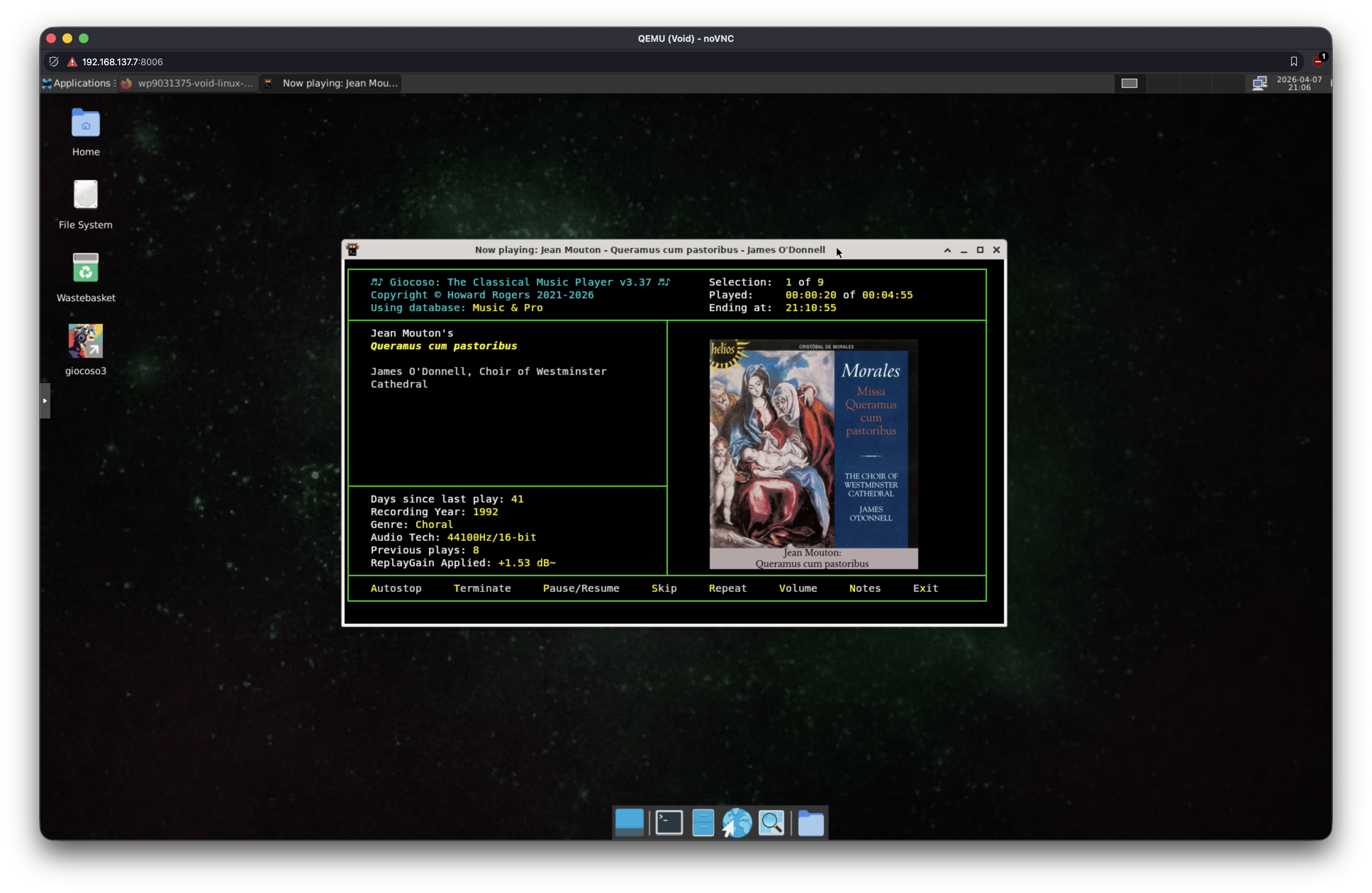
I say 'run Kitty' because Void's default terminal does not understand how to do sixel graphics or kitty graphics, so you'll need to use a terminal that does one or the other of them correctly to get the fully-intended 'out of the box' effect!