Giocoso Version 3.37 Released
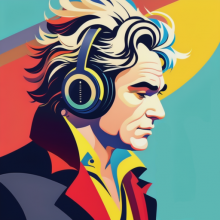 I have just released (on time!) a new version of Giocoso: it now moves to version 3.37. It is a fairly significant release for one main reason: the default music search algorithm had a fatal bug in it, which I discussed at length in a previous blog piece. This release fixes that logic error, resulting in much more music qualifying for randomised selection than before.
A less meaningful (but perhaps more fun!) enhancement to the program is that you can now adjust its visual components' colours. If you don't like the default cyan logo text, you can change it to magenta instead, for example. I noticed that some users don't run in jet-black terminal sessions like I do: this lets them make Giocoso usable even in light-coloured terminals.
I regret that this update is a bit messy to implement. You should certainly start by taking the usual Administration menu, Option 1 to obtain the newer software and providing the sudo password when prompted. Unfortunately, the result of that upgrade will look something like this:
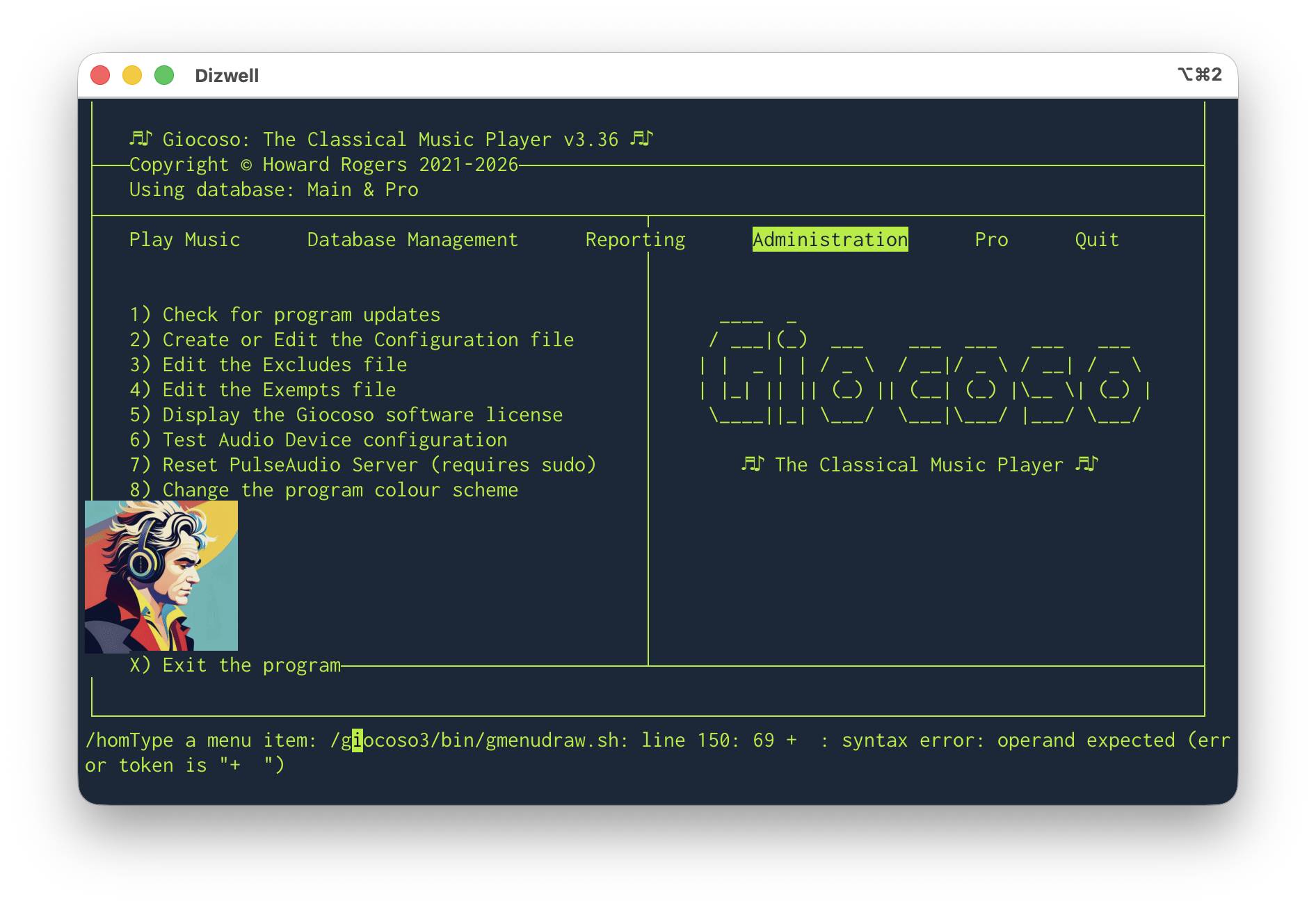
Error messages visible from the operating system, a Beethoven image appearing in completely the wrong place, all text one colour and the wrong colour at that… yuck! Fortunately, it's easily fixable: just take the Administration menu, Option 2 to edit the configuration file. Just click the [OK] button to cycle through all the pages of the dialog. When you click [OK] on the last of the pages, you'll be returned to the main menu with everything looking perfect:
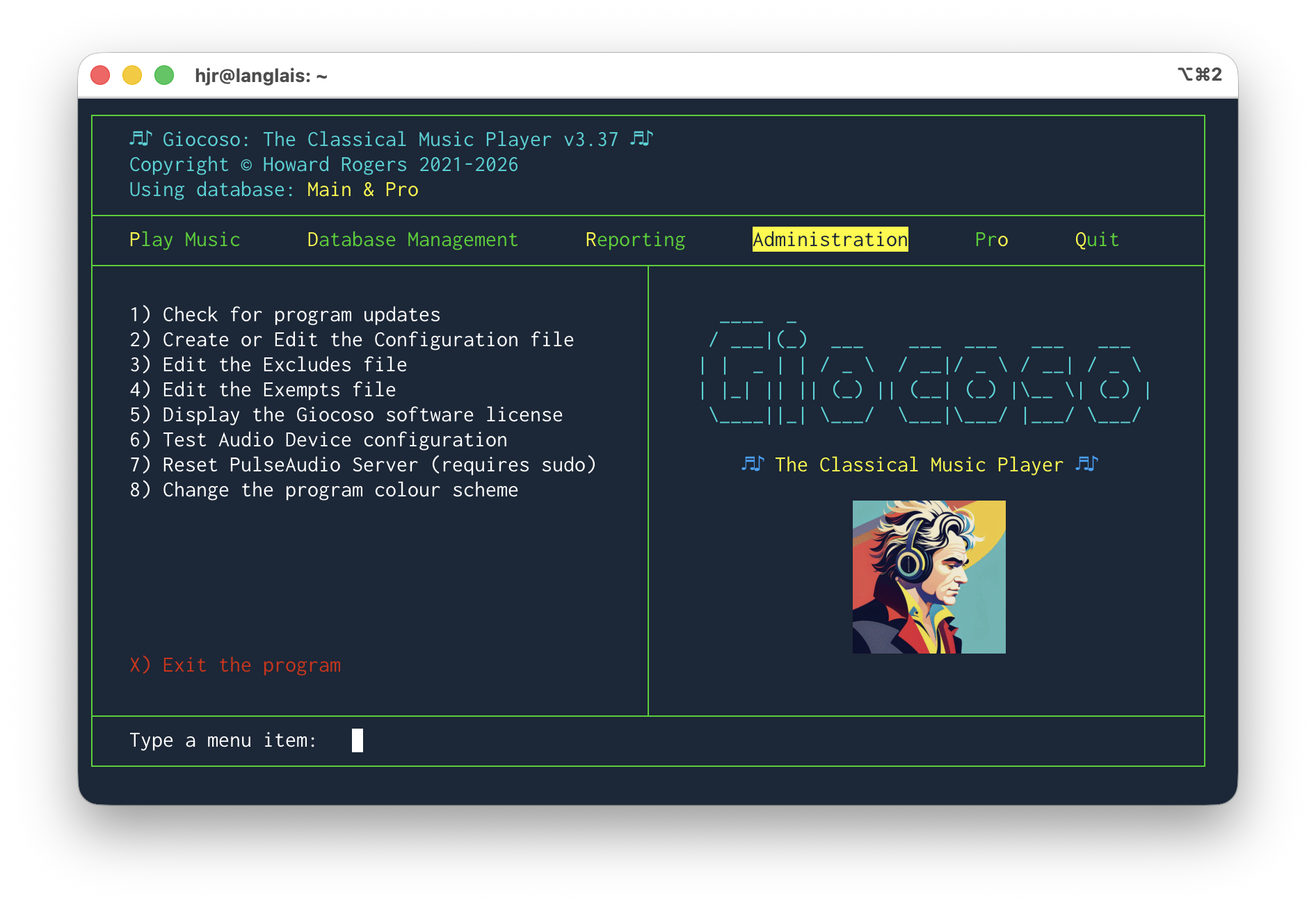
Added immediately after the release: It is possible that you now won't see visual mayhem on quite this scale after an update: a couple of tweaks to some code has tackled most of these issues out-of-the-box, I believe. But it does no harm to warn you of what can happen and how to fix it, especially as even now, I'm pretty sure you'll be needing to adjust the size of that Beethoven logo: which still requires a visit to the Administration menu, Option 2 and an adjustment to the 'Size of the Program Logo' setting.
The temporary problem is caused by your existing configuration file not having the new colour codes in it: merely editing the file and doing nothing causes default codes to be added to the file, after which the program displays normally. You could then use the new Administration menu, Option 8 to modify the program colour settings to something that is non-default and more suitable to your needs.
Full details about what's in the new release are available, as always, from the Giocoso changelog.
That concludes the bug-fixes and tweaks to all three of my music-related bits of software: I rather suspect that they will all now 'go quiet' for a good few month, unless someone gets in touch to report a bug or two that I haven't encountered! Here's to a less code-filled few months!